
Fart Together Mouse Sensitivity: What Players Can Expect
No documented mouse sensitivity slider for Fart Together on Steam; what the store page does list for controls, plus checks worth trying.
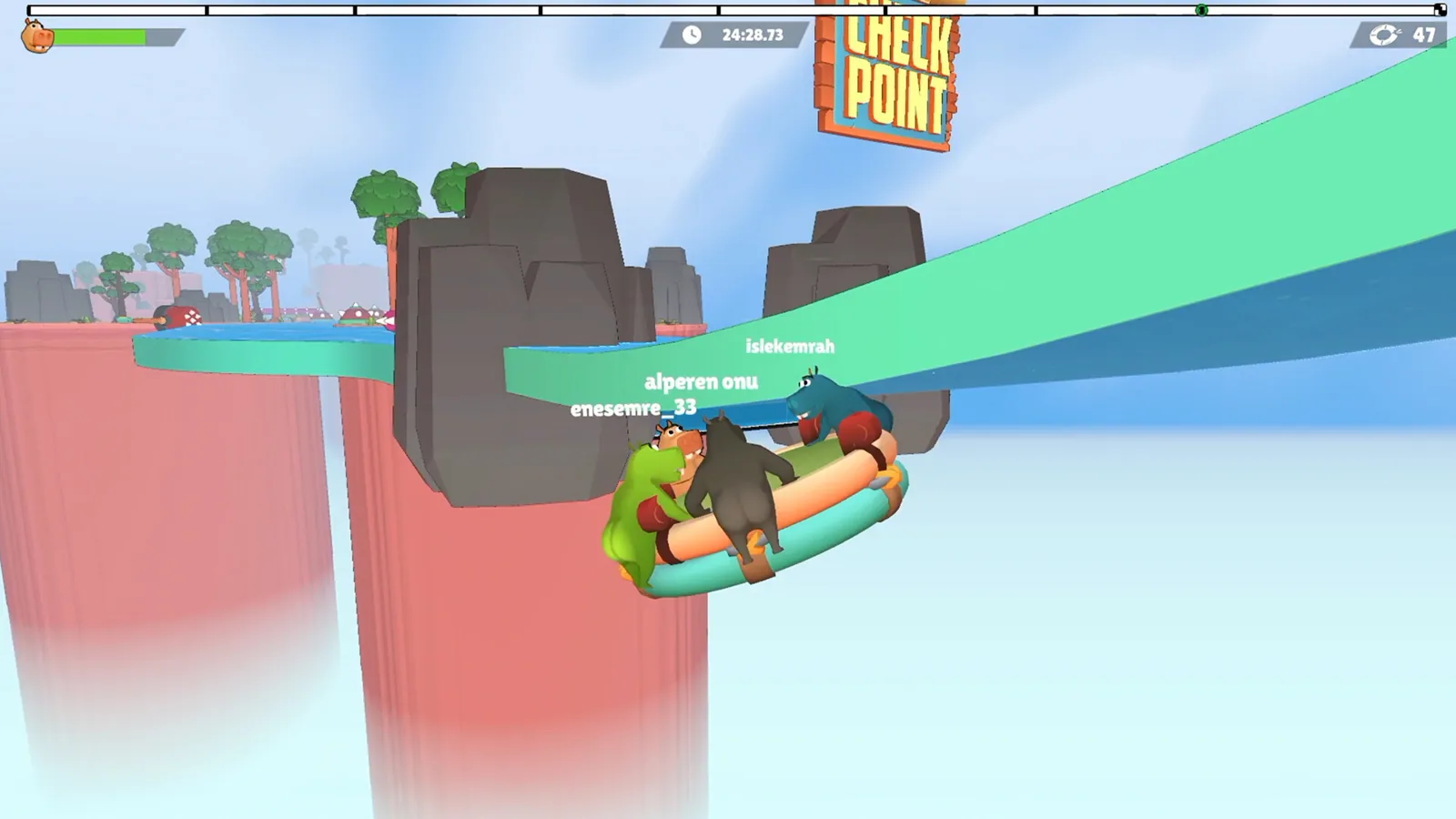
Table of Contents
There is no documented mouse sensitivity option for Fart Together — no slider value, no menu path, and no recommended number. As of 2026-10-23, the official Steam store page does not list a mouse sensitivity setting among its features or options, and no player write-up describing one was found. That is a limit of what's documented, not proof the option will never exist: the game was still listed as "coming soon" with a release date of October 29, 2026, so its settings menu may well change between the demo builds and launch.
What the Steam page does say about controls
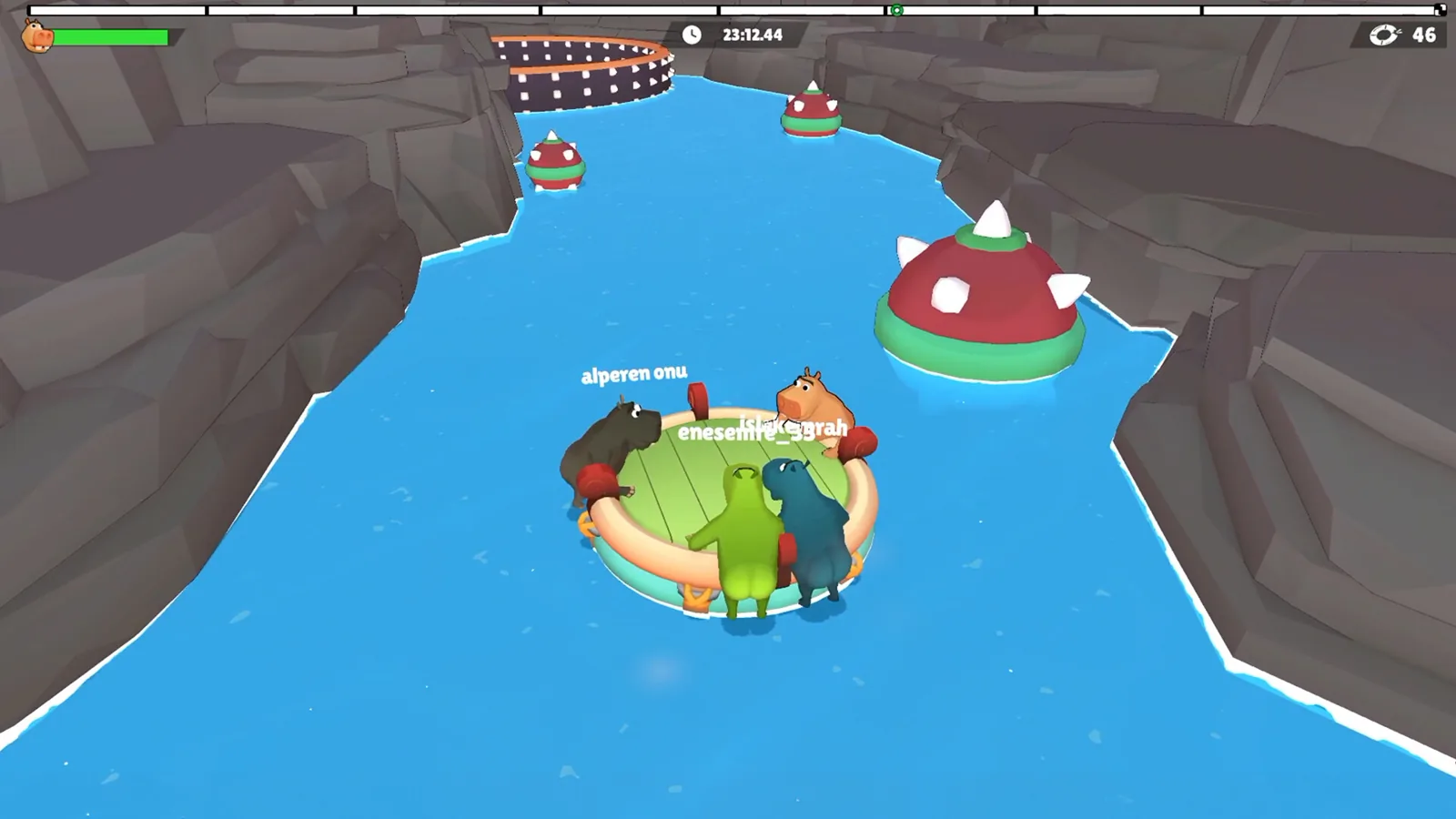
The co-op raft game by GamesMrkt advertises a broad input feature set — full controller support, DualShock and DualSense controller support, and a "Keyboard Only Option" — along with Camera Comfort and Custom Volume Controls. None of those entries is a sensitivity or aim-speed control, and the page's descriptions of play focus on coordinating direction, timing, and gas power rather than on mouse aiming.
That matters for how you read sensitivity advice elsewhere: a tip that a certain slider value "feels right" can't be checked against the store page, because the page never mentions such a control.

Practical checks if the mouse feels off
Because no official menu walkthrough exists, the following are general suggestions rather than confirmed game features:
- Look for an input or camera section in the in-game options. If your build has a sensitivity or camera-speed control, that is where it would normally sit — but we can't confirm the tab names or whether such a control exists in this build.
- Rule out system-level pointer speed. If you steer or aim with the mouse at all, Windows mouse settings and any mouse software's DPI profile affect feel independently of the game.
- Check whether you're actually in the PC build. Several search results mix up two different games with the same name (see below), so a "no mouse options" complaint may come from someone playing the mobile version.
- Try a controller if mouse feel is the blocker. The store page confirms controller support, so a gamepad is a supported alternative to argue with, though it has its own sensitivity behaviour that isn't documented either.
- Re-check after launch. The developer has been patching the demo based on feedback (their 2026-10-17 wishlist announcement mentions demo patches), so the settings screen is a moving target.
Related variants: the mobile game with the same name
There is a separate Fart Together on Google Play — a single-player physics raft game with touch controls and dual camera perspectives. Its listing describes easy touch input, not mouse input, so mouse sensitivity questions don't apply there in the way they would on PC. If you arrived from a mobile search, that listing is likely the game you're looking at.
Next steps
FAQ
Is there a mouse sensitivity setting in Fart Together?
No mouse sensitivity control is documented: the official Steam page as of 2026-10-23 does not list one, and no player account describing a slider or value was found.
Does Fart Together support keyboard and controller play?
Yes — the Steam page lists full controller support, DualShock and DualSense support, and a Keyboard Only Option among its features.
Why can't I find sensitivity options in the game I'm playing?
Check which game you have. The Steam PC release and the Google Play mobile game share a name but are different products, and the mobile version's listing describes touch controls rather than mouse input.
Will sensitivity settings be added at launch?
Unknown. The Steam page lists the game as coming soon for October 29, 2026, and the developer has been patching the demo from feedback, but no announcement about sensitivity options exists.
Related Articles
Continue Reading
Graphics Settings: What’s Documented
What the Steam page confirms about Fart Together graphics options, PC requirements and settings-related features, and which details are still unconfirmed.
Demo vs Full Game: What’s Different
The Fart Together demo is free 2–4 player co-op on Steam; the full game is still listed as coming soon. Compare player counts, content and cost.

Crossplay: What’s Confirmed Before Launch
Crossplay isn't confirmed for Fart Together. The Steam page lists Windows only — here's how to plan a PC group, check specs, and read the demo news.

mobile: What Android Actually Has
The Steam co-op raft game lists Windows only. The 'Fart Together' apps on Google Play come from other developers, with ads and low ratings.
Demo: Free Steam Co-Op Trial
What the Fart Together demo includes: Steam download, 2–4 player raft co-op, PC specs, run length and coordination tips from recorded runs.
Raft Steering: Co-Op Turns and Timing
How the shared raft in Fart Together responds to each player, plus a practical routine for turns, narrow gaps and moving hazards with 2-4 friends.