
Fart Together Controller Support: Windows Gamepad
Fart Together's Steam page lists full controller support plus DualShock and DualSense pads on Windows. What's confirmed, what isn't, and how crews steer.
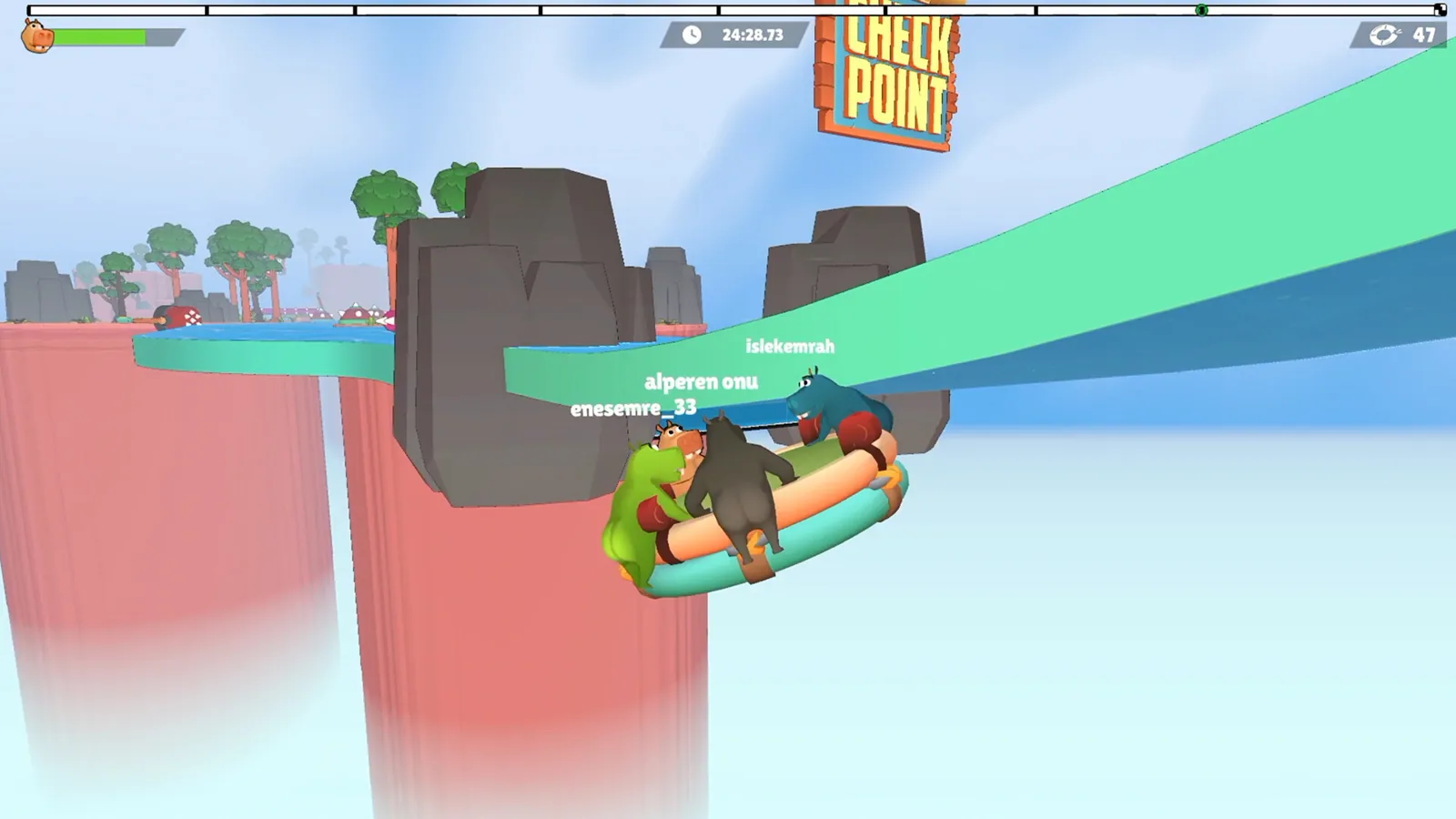
Table of Contents
Yes — a gamepad works. The official Steam store page for Fart Together lists Full controller support under its features, alongside DualShock and DualSense controller support and a keyboard-only option. The platform field on that page says Windows; the release is marked coming soon with an Early Access date of 29 October 2026. Developer and publisher is GamesMrkt.
In Steam's own feature vocabulary, "full controller support" means the whole game is meant to be playable with a pad rather than only parts of it. That is the useful headline: you can plan a couch or desk session around a gamepad rather than treating it as an afterthought.
What the listing actually covers
| Item | What the Steam page shows |
|---|---|
| Full controller support | Listed |
| DualShock controller support | Listed |
| DualSense controller support | Listed |
| Keyboard-only option | Listed |
| Platform | Windows |
| Release status | Coming soon; Early Access dated 29 Oct 2026 |
| Online co-op | Listed (2–4 players per the description) |
Two things the page does not spell out: a button map, and whether bindings can be remapped in-game. If you need a specific layout before committing your crew, that detail isn't published on the store listing as of 2026-10-23.

How many players, and in what format
The store description is clear that co-op puts 2–4 players on a single raft. The feature tags add Multi-player, Co-op and Online Co-op.
A separate community write-up, the Fart Together Wiki's controller support page, goes further according to that site: it lists shared/split-screen co-op, online and split-screen PvP, competitive modes for up to 8 players, and Remote Play Together. Treat those as community-reported extras — they are worth knowing before you invite people, but the Steam feature list is the firmer ground.
| Feature | Stated on the Steam page | Reported by the community wiki |
|---|---|---|
| Online co-op, 2–4 players | Yes | Yes |
| Full controller support | Yes | Yes |
| Shared/split-screen co-op | Not listed there | Yes |
| Competitive / PvP, up to 8 | Not listed there | Yes |
| Remote Play Together | Not listed there | Yes |
Steering a shared raft: direction, timing, force
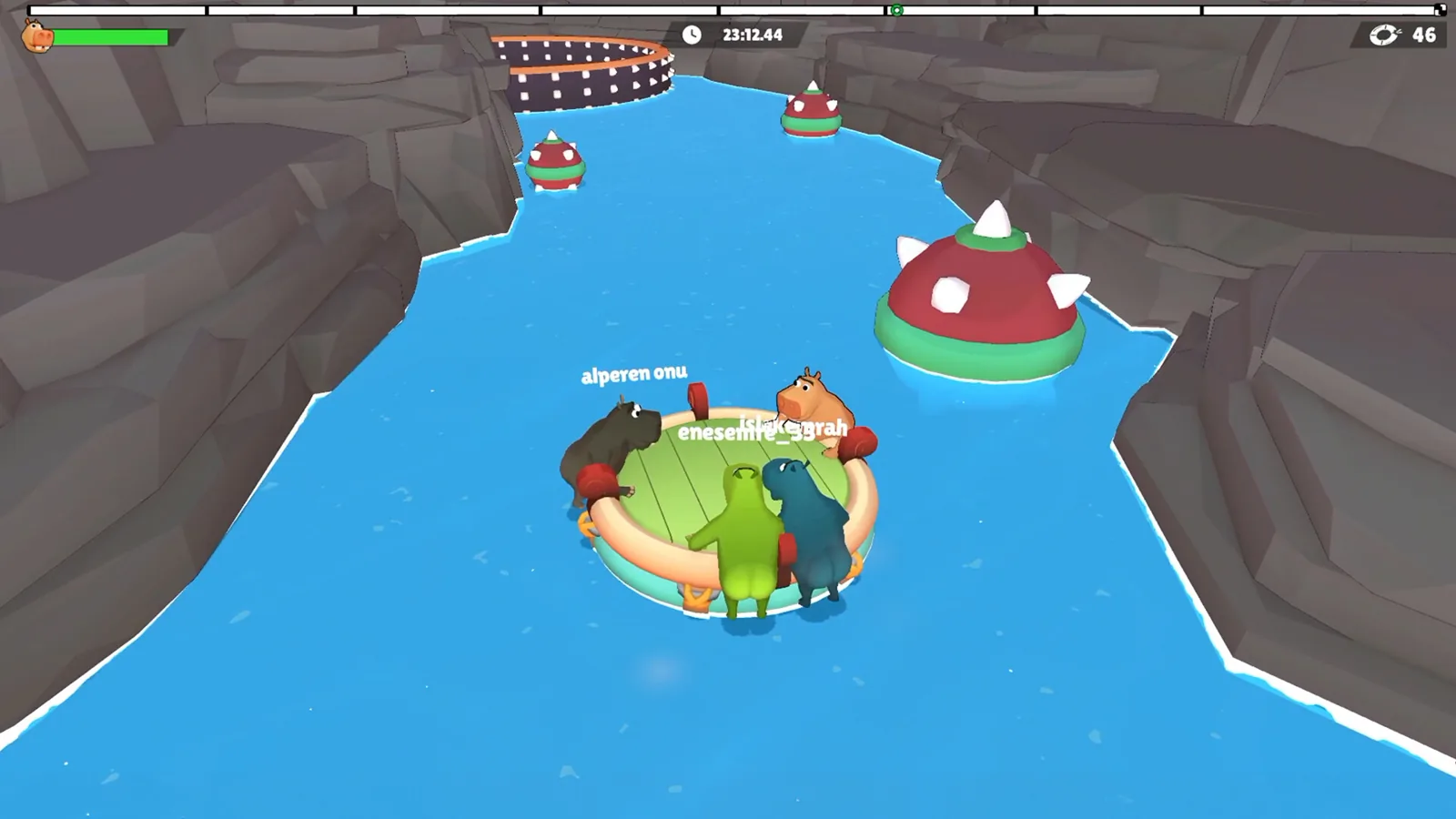
The controller only handles your own inputs. What sinks a run is the crew disagreeing about them. GamesMrkt's own description frames the game that way: the raft reacts to each player's force, direction and timing, and one person pushing the wrong way or reacting late can send everyone off course. Courses are built from tight gaps, sharp turns, drifting obstacles and hazards that tip the raft's balance — and some sections call for going faster, some for easing off, some for everyone committing at once.
A practical sequence for any hard section:
- Name the line before anyone pushes. "Through the gap on the left" beats "left" — the crew needs the same reference point on the course.
- Agree the moment. For a moving obstacle, call when the crew should commit, then wait long enough for that call to land.
- Match push to the gap. Overshooting a tight passage usually means more power than the opening needed, not bad luck.
- Keep mid-manoeuvre chatter short. Save explanations for the moment after the hazard.
When a run falls apart
Instead of repeating the attempt harder, sort the failure into one of three buckets: was everyone pointed the same way, did the inputs land at the same moment, or was the push too strong for the section? Those three questions separate a steering problem from a timing problem from a power problem, and each has a different fix. Agree on one change before the next attempt rather than three at once.
If the pad isn't picked up
These are ordinary PC/Steam checks, not documented in-game steps:
- If Steam itself doesn't see the pad, check Steam's controller settings first — the game can only use what Steam and Windows report.
- If a wireless pad drops out, try a wired connection to rule out the link before blaming the game.
- If one player's pad works and another's doesn't in the same session, swap the working pad to the other machine; that tells you whether the problem follows the device or the PC.
PC requirements for a gamepad setup
A controller doesn't change the hardware bar. From the store page:
| Component | Minimum | Recommended |
|---|---|---|
| OS | Windows 10 64-bit | Windows 10/11 64-bit |
| CPU | Intel Core i5-8400 or AMD Ryzen 3 1200 | Intel Core i5-10400 or AMD Ryzen 5 3600 |
| RAM | 8 GB | 16 GB |
| GPU | GeForce GTX 1050 Ti or Radeon RX 560 | GeForce GTX 1660 or Radeon RX 590 |
| DirectX | 11 | 11 |
| Storage | 4 GB | 4 GB |
| Network | Broadband | Broadband |
A 64-bit processor and OS are required, and the store notes that online co-op needs a stable broadband connection. Check those before organising a remote session — a controller is only one part of the setup.
FAQ
Does Fart Together controller support mean I can play the whole game on a pad?
The Steam page lists full controller support, which is the tag for playing the game with a pad throughout rather than only in menus or selected modes.
Does Fart Together controller support include PlayStation pads?
Yes — DualShock and DualSense controller support both appear in the store feature list next to full controller support, so modern PlayStation-style pads are explicitly covered.
Does Fart Together support Remote Play Together?
According to the Fart Together Wiki, it does, and that site also lists split-screen and PvP options. Those modes aren't itemised on the Steam feature list, so treat them as community-reported until the store page fills them in.
What PC do I need to run Fart Together with a controller?
The same specs as without one: Windows 10 64-bit, an i5-8400 or Ryzen 3 1200, 8 GB RAM, a GTX 1050 Ti or RX 560, DirectX 11 and 4 GB of free space at minimum; the recommended tier asks for 16 GB RAM and a GTX 1660 or RX 590.
Related Articles
Continue Reading
mobile: What Android Actually Has
The Steam co-op raft game lists Windows only. The 'Fart Together' apps on Google Play come from other developers, with ads and low ratings.
PS5: Is There a PlayStation Version?
As of 2026-10-23, the official Steam page lists Windows and does not list PS5. Why DualSense support isn't a PlayStation release.
System Requirements: Minimum PC Specs
Steam lists Windows 10 64-bit, 8 GB RAM, a Core i5-8400 or Ryzen 3 1200 and a GTX 1050 Ti as Fart Together's minimum, with a higher recommended build.
Demo: Free Steam Co-Op Trial
What the Fart Together demo includes: Steam download, 2–4 player raft co-op, PC specs, run length and coordination tips from recorded runs.
Demo vs Full Game: What’s Different
The Fart Together demo is free 2–4 player co-op on Steam; the full game is still listed as coming soon. Compare player counts, content and cost.
Raft Steering: Co-Op Turns and Timing
How the shared raft in Fart Together responds to each player, plus a practical routine for turns, narrow gaps and moving hazards with 2-4 friends.