
Fart Together Steam Deck Compatibility and Controls
Fart Together Steam Deck status: the community Unknown rating, a ProtonDB Perfect report, controller support, Windows specs and co-op steering tips.
Table of Contents
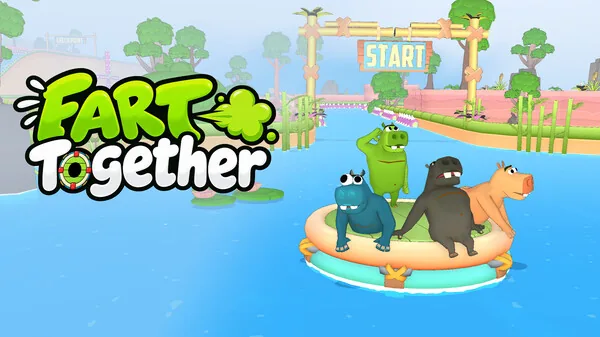
Fart Together is GamesMrkt's physics-based co-op game in which two to four players steer one shared raft through obstacle courses, and its Steam page lists it for Windows with full controller support. For handheld players the short answer is this: there is no confirmed Steam Deck verdict to rely on. The community wiki at farttogether.wiki records Valve's compatibility review for the title as Unknown, while ProtonDB holds a single player report calling it Perfect on Proton 10.0-3. Treat that as an encouraging data point, not a promise.
Status at a glance
| Question | What the pages say |
|---|---|
| Steam Deck compatibility review | Unknown, per farttogether.wiki |
| Player-reported Proton result | One report: "Perfect", Proton 10.0-3 |
| Native Linux build | As of 2026-10-23, the official Steam page lists Windows and no Linux build |
| Controller support | Full controller support listed on the Steam page |
| Store release date | 29 October 2026 on the Steam listing |
Because the store listing still shows a late-October release, any Deck report circulating now comes from pre-launch play rather than a finished retail build — which is exactly why the evidence is thin.
What the Steam listing actually confirms
The store page's feature tags are the firmest thing to plan around:
| Steam feature tag | Relevance on a handheld |
|---|---|
| Full controller support | The game is built to be played on a pad, not only mouse and keyboard |
| DualShock / DualSense controller support | Standard gamepad layouts are recognised |
| Keyboard Only Option | A desktop alternative, not a Deck selling point |
| Online Co-op, Multi-player | Sessions are built around playing with others |
| Steam Cloud | Progress can follow your account between devices |
| Playable without Timed Input, Playable at your own pace | Useful if you play in short portable bursts |
| Camera Comfort, Custom Volume Controls | Comfort and audio options are flagged |
As of 2026-10-23, the Steam page's tag list does not include a shared/split-screen tag; farttogether.wiki reports split-screen and Remote Play Together support alongside online play, so confirm the format with your group before inviting people.
The lone ProtonDB report, in detail
ProtonDB currently displays one report for the app: a player rating it "Perfect" while running Proton 10.0-3, with the online multiplayer experience marked "Excellent". The report was posted roughly a week before 2026-10-23. It does not state the game build, graphics settings, frame rate, or whether the session was the full game or the demo, and a single entry is not a compatibility verdict. Read it as "someone got it running well under Proton", nothing stronger.
Controller and input expectations
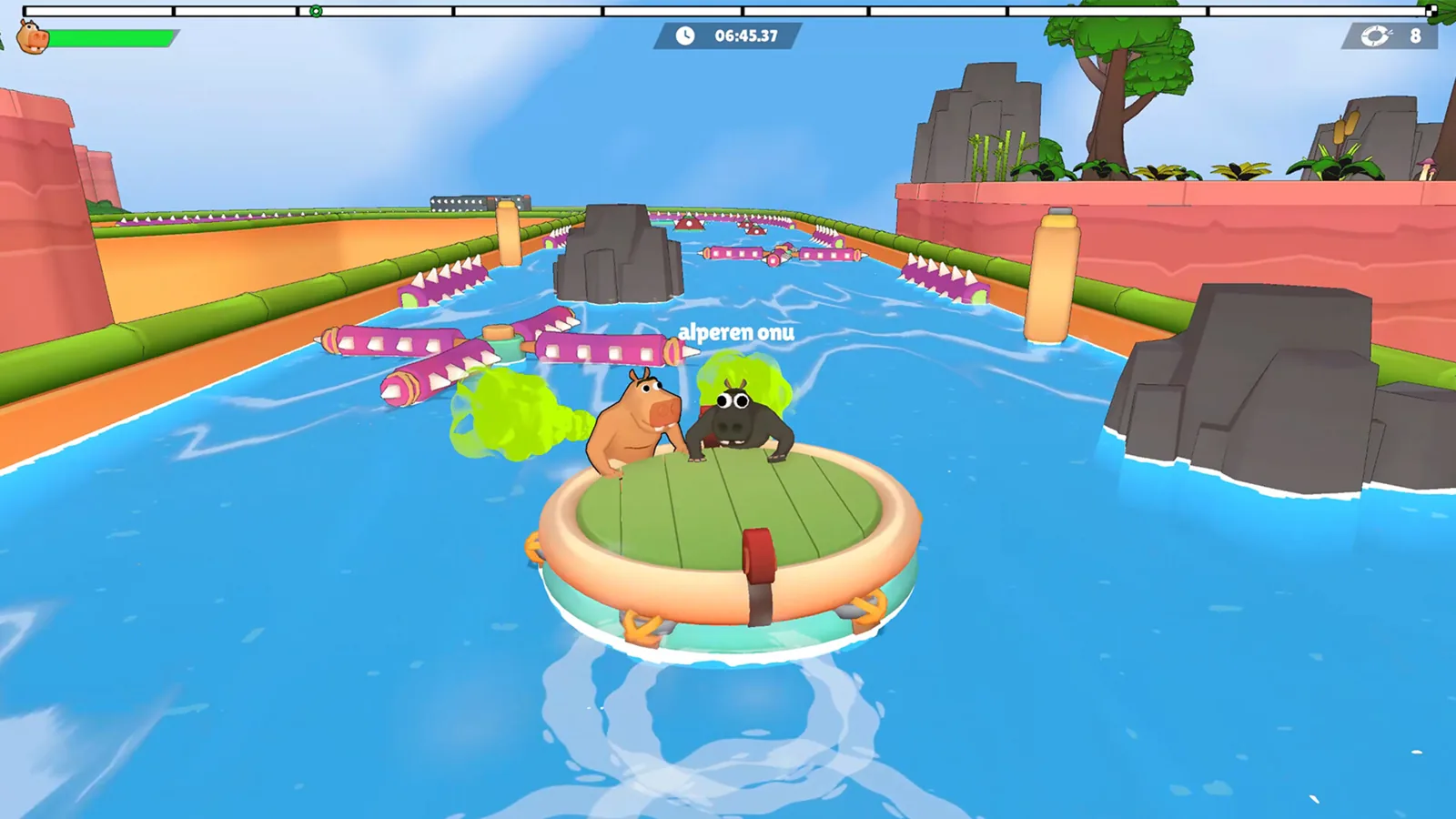
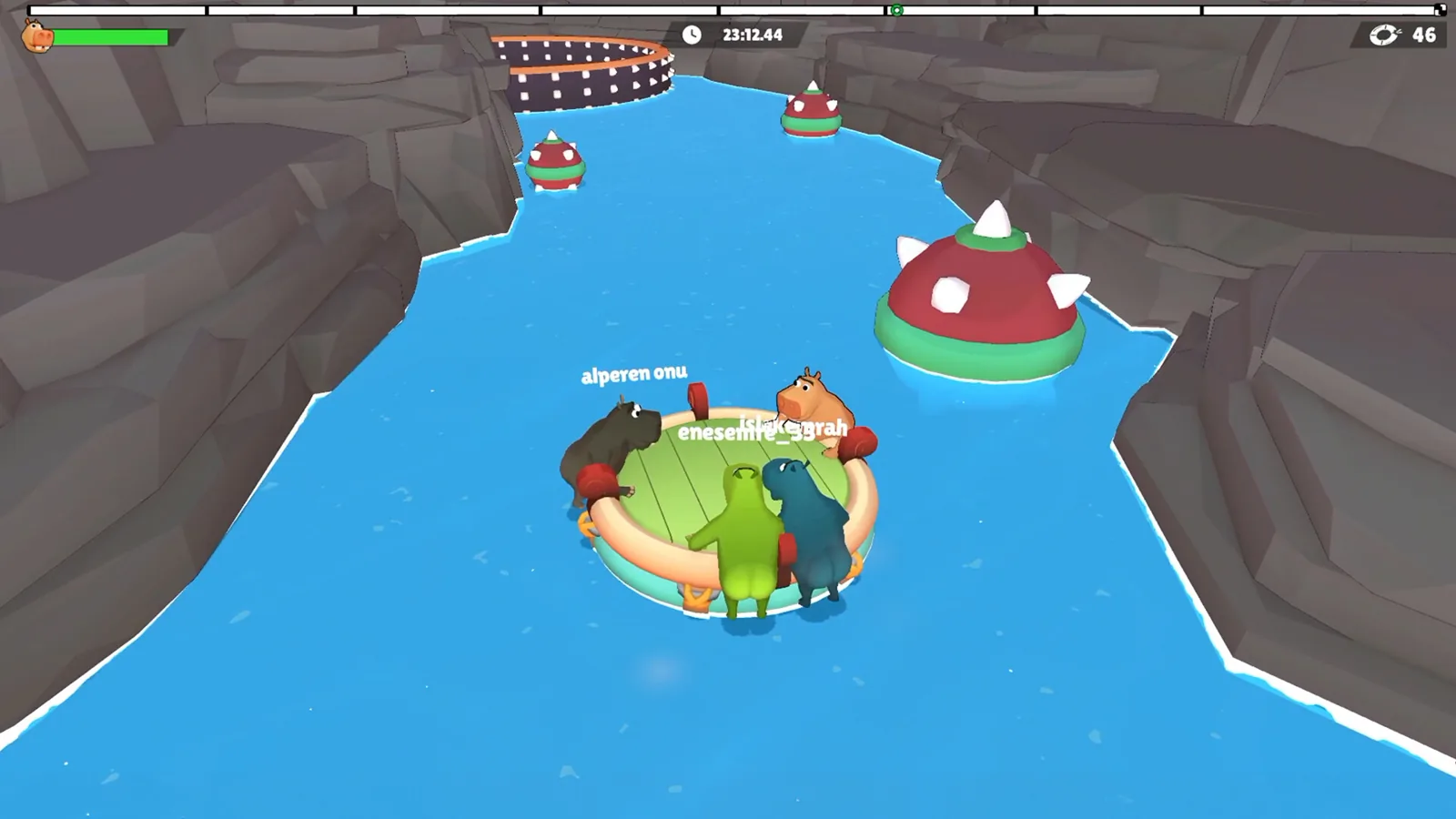
The Steam page's full controller support is the part that matters most on Deck: the raft is steered by direction, timing and gas power, and the developer's own description stresses that every player's input moves the same vehicle. farttogether.wiki also lists Steam Input API support, which would matter if you want to remap inputs — that detail comes from the community page rather than the store listing, so verify it in the build you launch.
Two practical cautions, offered as suggestions rather than tested features: if the build you try exposes a menu for button prompts or display scaling, check that the prompts match the Deck's layout before a session; and if text or hazards are hard to read on the small screen, judge that during actual course play rather than on a static menu.
Published PC requirements (Windows)
These are the desktop figures from the Steam page. They describe the Windows version, not a Deck performance target, so use them as a size and spec reference only.
Minimum setup
- Operating system: 64-bit Windows 10
- Processor: AMD Ryzen 3 1200 or Intel Core i5-8400
- Memory: 8 GB
- Graphics card: AMD Radeon RX 560 or NVIDIA GeForce GTX 1050 Ti
- DirectX 11
- Disk space reserved for install: 4 GB
- Broadband connection
Recommended setup
- Operating system: 64-bit Windows 10 or Windows 11
- Processor: AMD Ryzen 5 3600 or Intel Core i5-10400
- Memory: 16 GB
- Graphics card: AMD Radeon RX 590 or NVIDIA GeForce GTX 1660
- DirectX 11
- Disk space reserved for install: 4 GB
- Broadband connection
The listing also warns that online co-op needs a reliable internet connection, so a handheld session with friends depends on Wi-Fi you trust.
Playing co-op on a handheld
The developer's description puts two to four players on the same raft, and that shared vehicle is the whole design: a late reaction or a wrong-direction push drags everyone off line. farttogether.wiki mentions separate competitive modes for up to eight players plus local shared-screen options; as of 2026-10-23, the Steam page does not describe competitive player counts, so check that yourself if your group is bigger than four.
On a Deck, the practical wrinkle is communication. If you are on voice chat, keep calls short and specific; if you are playing locally, make sure each person can see enough of the course to react.
Callouts that keep a raft straight
The developer's own text says the trick is not pushing harder but pushing at the same moment. Habits that follow from that:
- Settle the heading first, then add thrust — deciding direction and power in the same breath makes it impossible to tell what went wrong.
- Start slowing earlier than feels necessary before a tight gap, so there is room for one deliberate correction instead of several rushed ones.
- Give one person the job of calling timing on manoeuvres that need everyone at once; competing instructions are worse than silence.
- Warn about a moving obstacle before the raft is beside it, not while it is already there.
- After a failed attempt, change one thing — direction, force, or timing — and name it before the retry.
Demo and full game are separate entries
farttogether.wiki points out that a demo exists as its own Steam application (app ID 5208630) alongside the main store page. If your group is comparing notes on how the game behaves on Deck, agree on which entry you are launching first; settings and performance observations from one do not automatically describe the other.
Next steps
- Fart Together Controller Support: Windows Gamepad
- Fart Together Graphics Settings: What’s Documented
FAQ
What is the current Fart Together Steam Deck status?
There is no confirmed rating to quote. farttogether.wiki lists Valve's compatibility review as Unknown, and the only hands-on signal is one ProtonDB report marking it Perfect on Proton 10.0-3. Try it yourself or wait for more reports before planning around it.
Does Fart Together support controllers?
Yes. The Steam page lists full controller support along with DualShock and DualSense controller support, and a keyboard-only option for desktop players.
Is there a native Linux version?
As of 2026-10-23, the official Steam page lists Windows as the platform and does not list a Linux build, so a Deck session would go through Proton — the route the ProtonDB reporter used.
How many players fit on one raft?
The developer describes co-op for two to four players steering a single raft. farttogether.wiki reports separate competitive modes for up to eight players, which the Steam listing does not describe in detail.
Related Articles
Continue Reading
Steam Page: Demo, Status and PC Specs
Fart Together Steam status as of 2026-10-23: the free demo is playable now, the full game is coming soon. Player counts, PC specs and platform details.
Steam Community: Finding Crews and Demo Play
How the Fart Together Steam community works: find a co-op crew for the free demo, agree on callouts, and send feedback the developer can use.
Release Date: Steam Launch Status & Specs
The Steam listing shows October 29, 2026 for Fart Together. Check launch status, co-op player counts, PC requirements, and how to prepare your crew.
Price: No Figure Shown Before Launch
What the Steam page and price trackers show about Fart Together's cost ahead of its 29 October 2026 release, including the Free To Play tag and demo.
Demo: Free Steam Co-Op Trial
What the Fart Together demo includes: Steam download, 2–4 player raft co-op, PC specs, run length and coordination tips from recorded runs.
Raft Steering: Co-Op Turns and Timing
How the shared raft in Fart Together responds to each player, plus a practical routine for turns, narrow gaps and moving hazards with 2-4 friends.